We use cookies, including cookies from third parties, to enhance your user experience and the effectiveness of our marketing activities. These cookies are performance, analytics and advertising cookies, please see our Privacy and Cookie policy for further information. If you agree to all of our cookies select “Accept all” or select “Cookie Settings” to see which cookies we use and choose which ones you would like to accept.
Cookies Setting
Absolutely Necessary Cookies
These are cookies that are absolutely essential to running a website. This category of cookies cannot be disabled.
Functional Cookies
These cookies are used to provide you with convenient functions, such as product reviews and product video playback, during your web browsing, they also enable interaction with social media accounts.
Social media
Connect with your social channels to share LG Technology with friends for example on Facebook and Twitter.
Analytics Cookies
These cookies allow our website to keep improving functions through website traffic analysis and to suggest personalized content for you.
Advertising Cookies
These cookies enable us to show you ads and other content that we think is most attuned to your interests and digital behavior.
Manage your subscription hassle-free with LG ThinQ App!
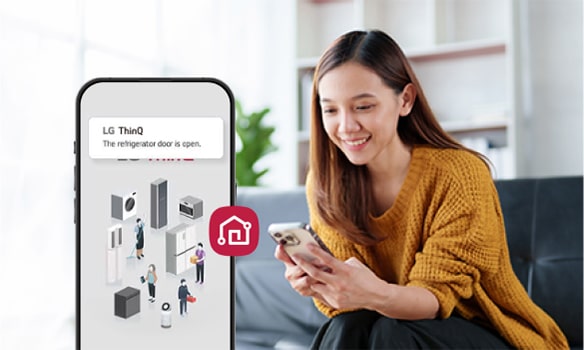
With LG ThinQ App, you can track deliveries, manage your subscription, customize your care service, and check payments history —simple and hassle-free.
Sign up for a new LG Subscribe™ product and enjoy 50% off your monthly subscription for the first 9 months. Whether you're joining us for the first time or adding more LG goodness to your home, this is your OHSEM moment.
Already part of the LG Subscribe™ family? Subscribe to a new LG home appliance today and enjoy RM10 off your monthly subscription, because loyalty should be rewarded!
LG Subscribe is a household appliance subscription service that allows you to
complete
your home in a cost-effective way. A wide range of appliances from refrigerators
to
TVs are available to subscribe, making your place truly feel like a home
3 Benefits of LG Subscribe
01
First in the market,
Offering 10 product lines
in Malaysia.
02
Varying Hassle Free Maintenance Care Service from
Self-Service, Regular
Visit or Combine Maintenance.
03
LG ThinQ
Accessible products
to upgrade your lifestyle
Enter your email and password to log
in. New users can
click ‘Sign Up’ to create an account.
Gradient circle background
for mobile app
UI
STEP 03
Access LG Subscribe
Click "Menu" and select "LG Subscribe."
Gradient circle background
for mobile app
UI
STEP 04
Authenticate LG Subscribe
Enter your registered details during
the order to authenticate.
1. If you Sign in, Click the Continue
Button.
2. Enter your registered details during
the order to authenticate.
Gradient circle background
for mobile app
UI
STEP 05
Verify Your Account
1. Check the 6-digit number delivered
to your
smartphone sms.
2. Enter a 6-digit number on the input
screen.
* Note :
Only customers with an order
can access LG
Subscribe.
Gradient circle background
for mobile app
UI
STEP 06
Use LG Subscribe
All done, the service is now available
on the main screen of LG Subscription.
Track Your Delivery & Installation
1
2
3
4
Gradient circle background
for mobile app
UI
STEP 01
Check Subscriptions
After login, tap “LG Subscribe” section
to see delivery details.
Gradient circle background
for mobile app
UI
STEP 02
Choose Your Contract
Check the contract by selecting
the appliance icon button.
* Note :
All installed or
soon-to-be-installed products
will appear in the list.
Gradient circle background
for mobile app
UI
STEP 03
View Order Status
Tab the Delivery & Personal Info
on the screen.
Gradient circle background
for mobile app
UI
STEP 04
Check Delivery Progress
Now you can check the order status under
the “Delivery Progress” section
Manage Your Subscription Info
1
2
3
4
5
Gradient circle background
for mobile app
UI
STEP 01
Check Subscriptions
After login, tap “LG Subscribe” section
to see delivery details.
Gradient circle background
for mobile app
UI
STEP 02
Choose Your Contract
Check the contract by selecting
the appliance icon button.
* Note :
All installed or
soon-to-be-installed products
will appear in the list.
Gradient circle background
for mobile app
UI
STEP 03
View Order Status
Tab the Delivery & Personal Info
on the screen.
Gradient circle background
for mobile app
UI
STEP 04
Update User Info
Click the "Information Change" button
to make the necessary updates
to your contractor details.
Gradient circle background
for mobile app
UI
STEP 05
Confirm User Info Changes
Click "OK" after modifying details.
* Note :
Only Telephone Number, State,
City, Postal Code
and Address can be changed
Customize Your Care Service
1
2
3
4
Gradient circle background
for mobile app
UI
STEP 01
Check Subscriptions
After login, tap “LG Subscribe” section
to see delivery details.
Gradient circle background
for mobile app
UI
STEP 02
Choose Your Contract
Check the contract by selecting
the appliance icon button.
* Note :
All installed or
soon-to-be-installed products
will appear in the list.
Gradient circle background
for mobile app
UI
STEP 03
View Order Status
Tab the Care Service on the screen.
Gradient circle background
for mobile app
UI
STEP 04
Check or Update Care Service Info
You can check or update your Care service
information in the
following ways:
• Visit Day Change :
Modify the day of your scheduled
visits.
• Track Delivery :
Monitor the progress and status
of your
deliveries.
• View Care service Guide :
Access and review the
Self-Care service guide
for additional information.
* The image shown
reflects the
interface for users enrolled in the
Combine Visit
Service (Self + Visit).
- If you’re a ‘Self-Service’
user, only the
‘Consumables Delivery’ section
will be
displayed.
- If you're a 'Regular Visit'
user, only the
‘Visit
Services Provided’ section will
be displayed.
* Note :
Click the red dot to learn more.
Check Your Payments & Invoices
1
2
3
4
5
Gradient circle background
for mobile app
UI
STEP 01
Check Subscriptions
After login, tap “LG Subscribe” section
to see delivery details.
Gradient circle background
for mobile app
UI
STEP 02
Choose Your Contract
Check the contract by selecting
the appliance icon button.
* Note :
All installed or soon-to-be-installed
products will appear in the list.
Gradient circle background
for mobile app
UI
STEP 03
View Payments & Invoices status
Tab the Payment Management or
Invoice View on the screen.
Gradient circle background
for mobile app
UI
STEP 04
Check the Payment
• View latest paid amount & your payment
method.
• Check the Payment & Method change history.
Gradient circle background
for mobile app
UI
STEP 05
Check the Invoice
We track your payment history and generate
monthly invoices to send directly to your
email.
Care Easy with LG Subscribe
With LG Subscribe, keeping your appliances in top shape is easy.
LG's experts provide regular visitation care services or self-care kits to help
you maintain
your
appliances,
ensuring they are always well-maintained and performing at their best.
The service includes an extended warranty, so you can use your appliances
without worrying about
breakdowns
Feel safe without worrying about daily water
hygiene.
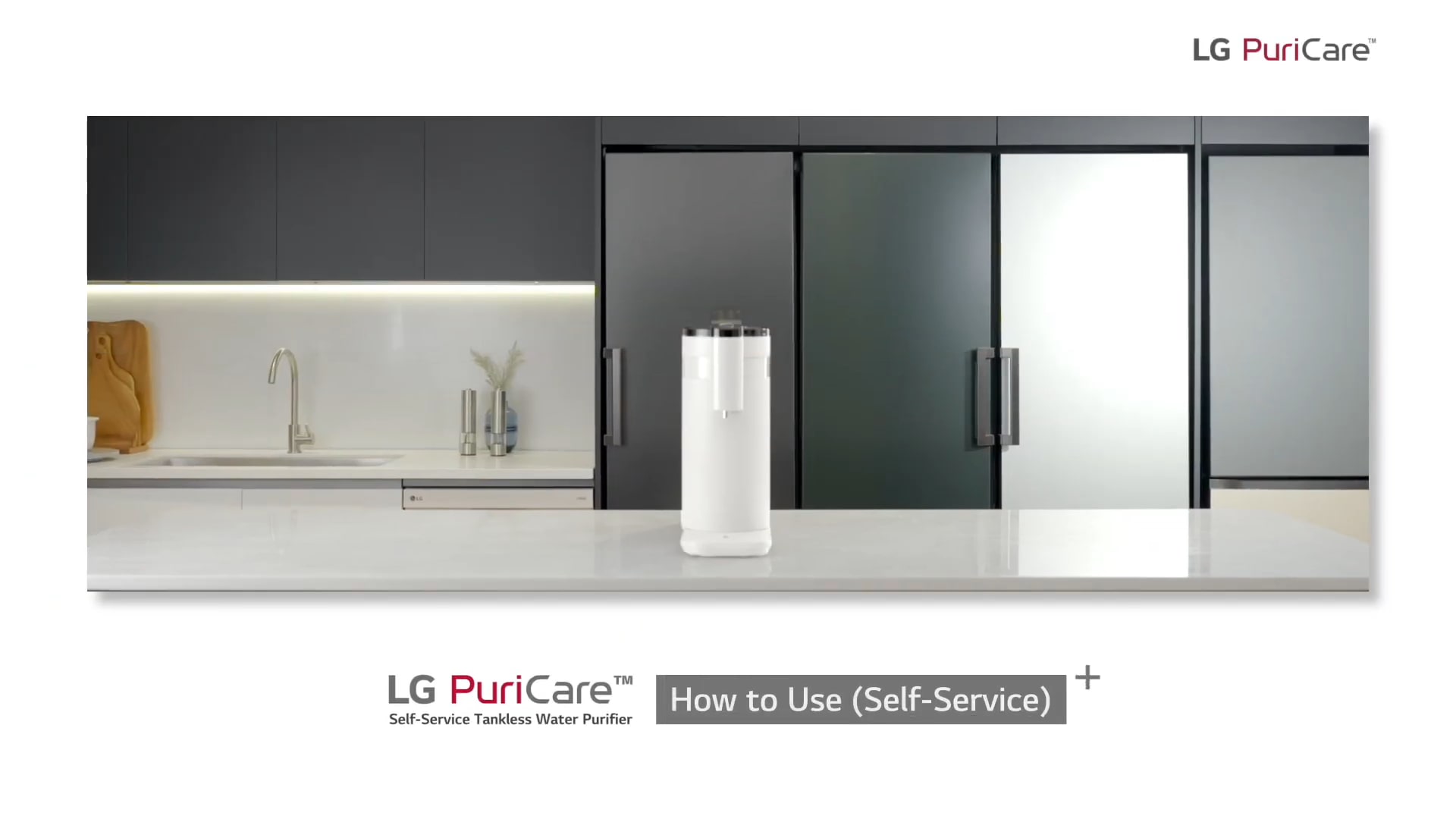
Self-Service Guide
Care for your Water Purifier on your own!
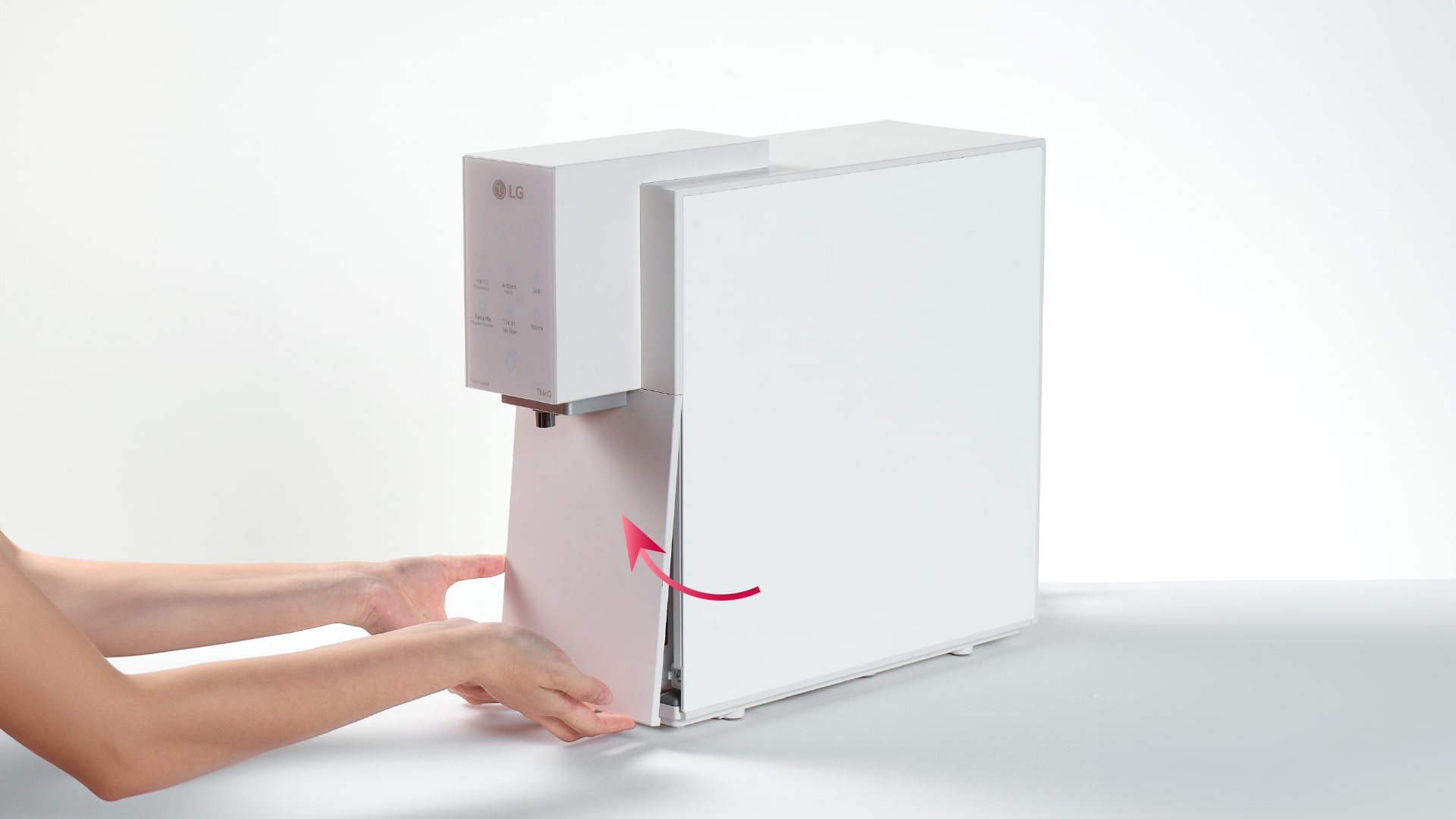
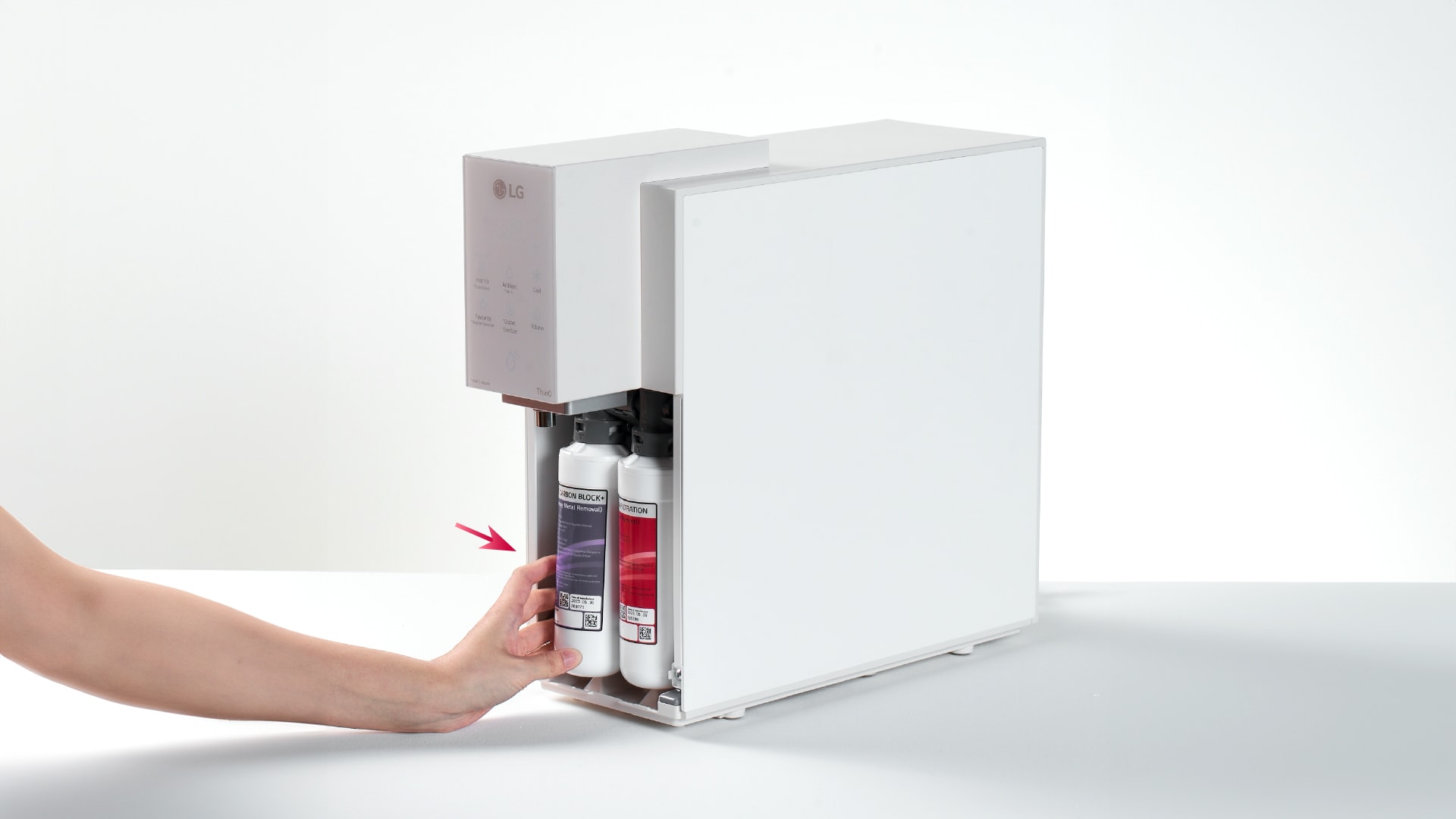
Open the filter cover
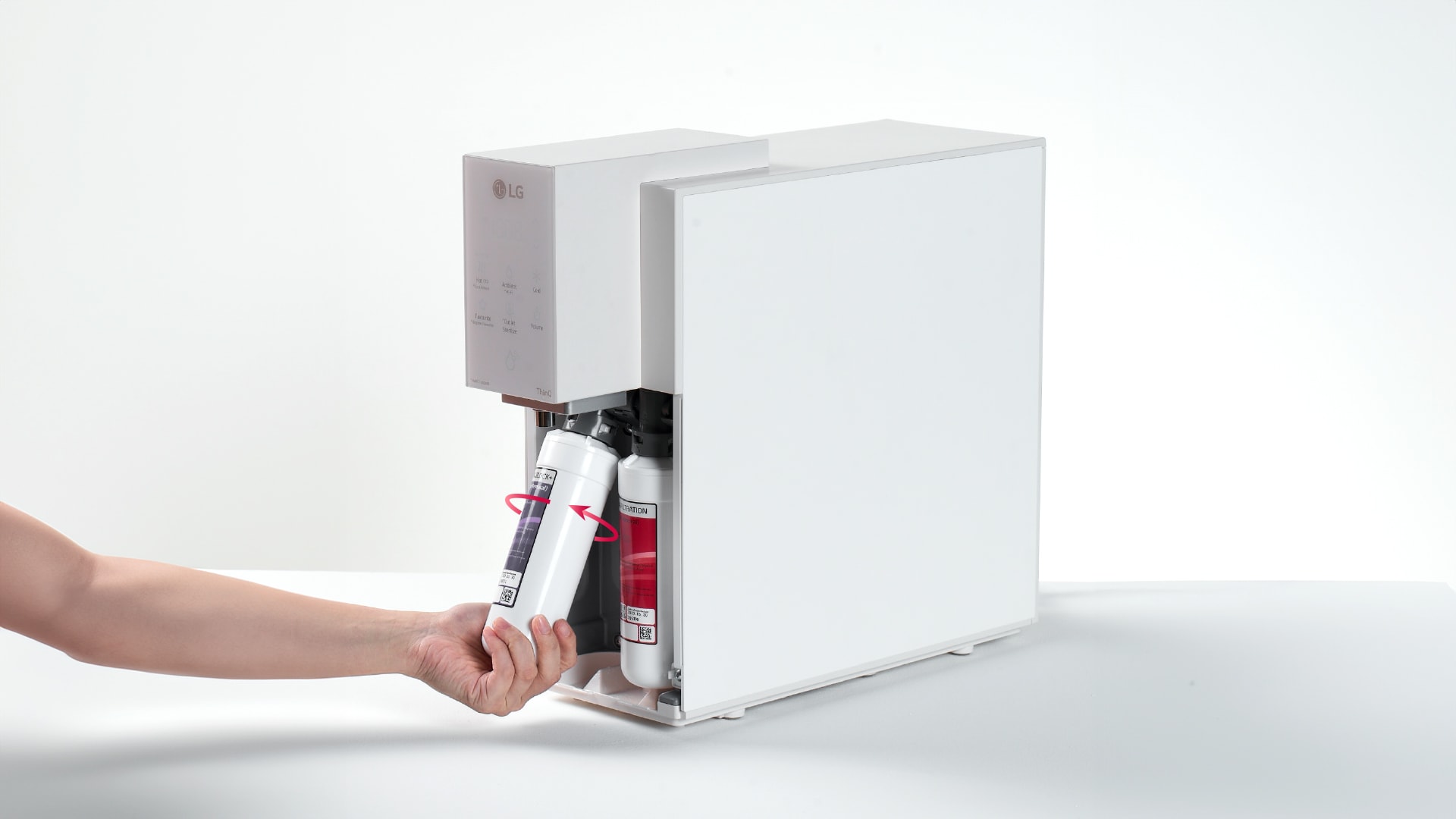
Remove the filter by turning to anti-clockwise
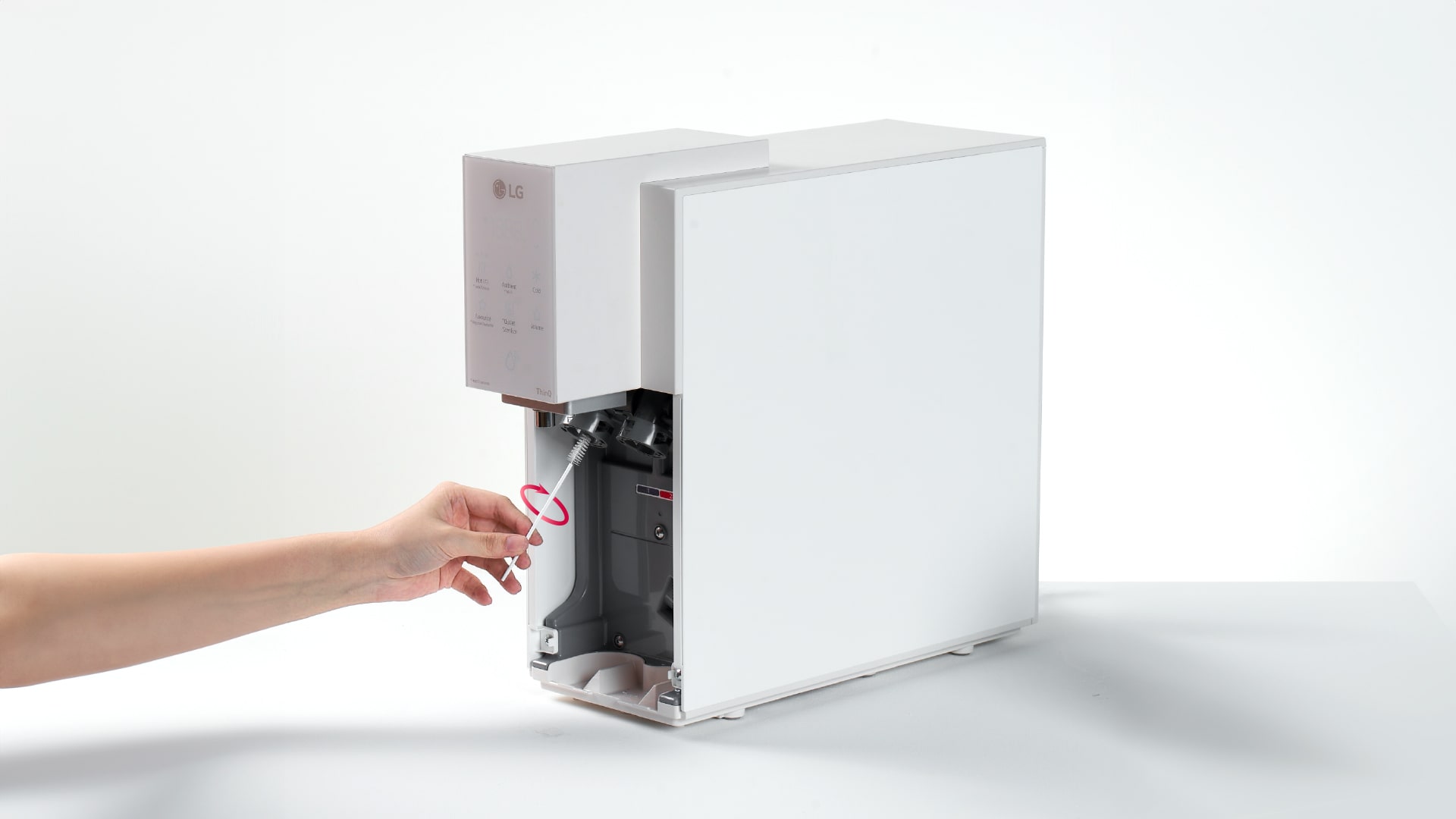
Clean the filter head with brush
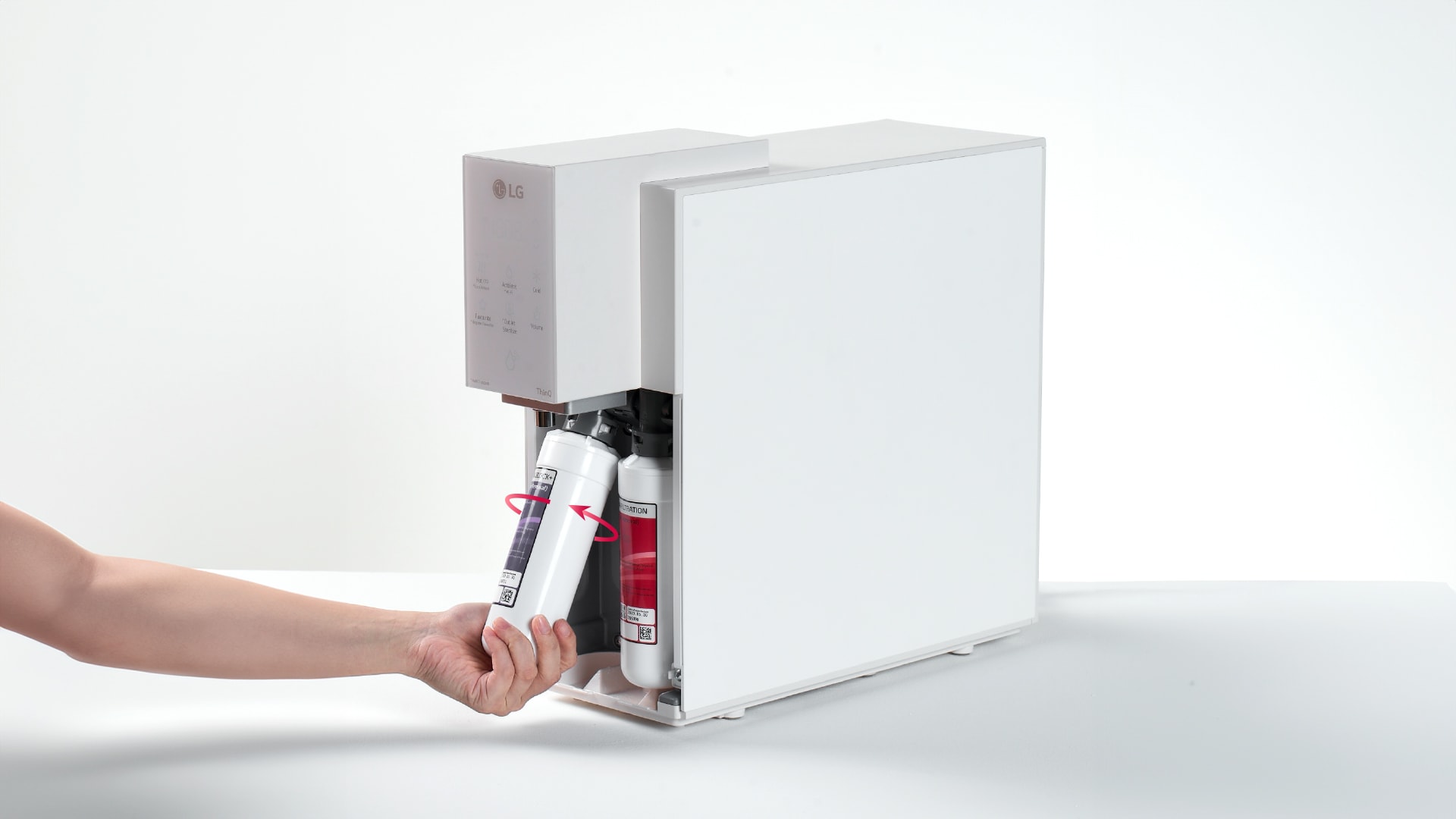
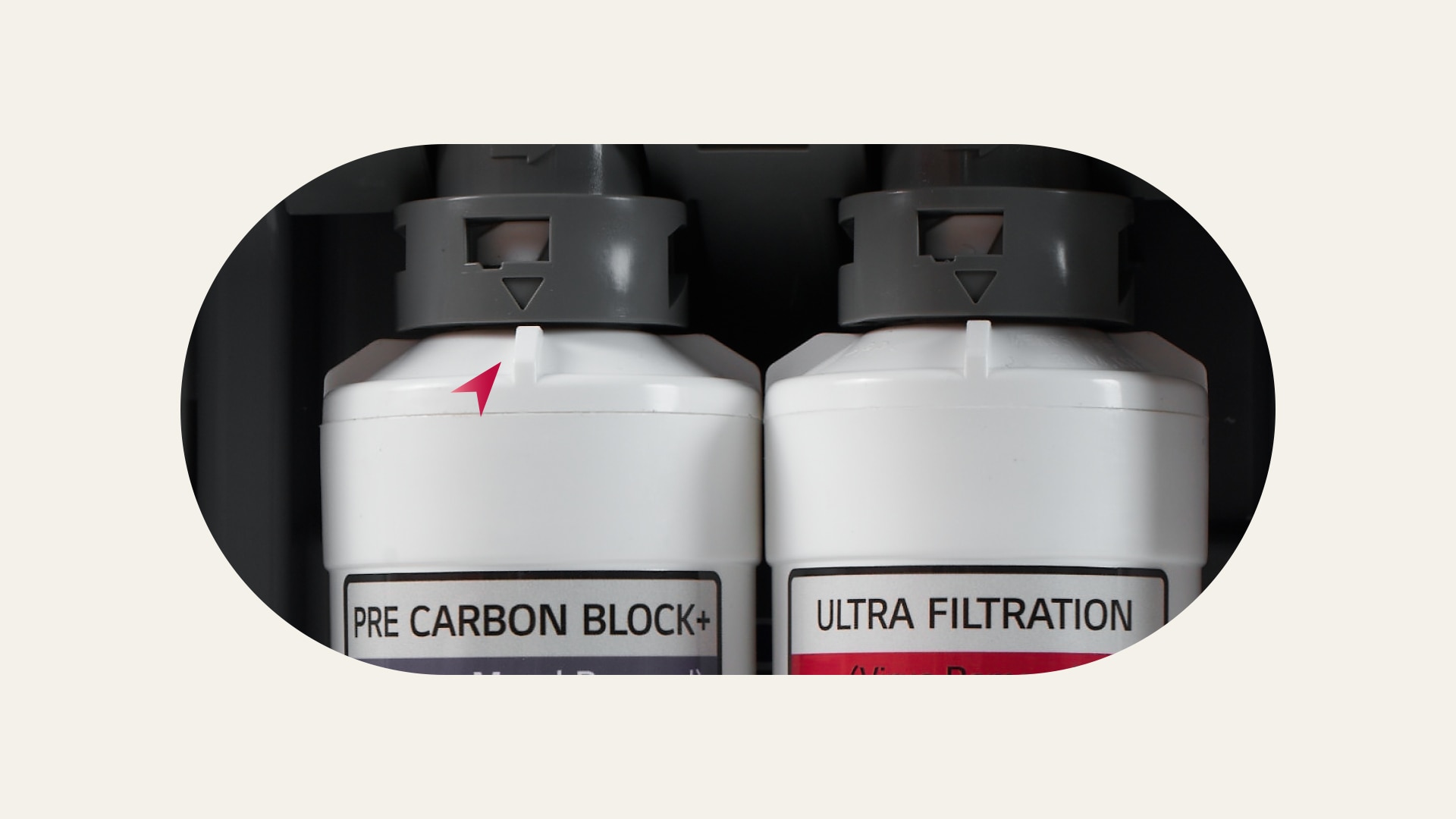
Assem the new filter by turning to clockwise
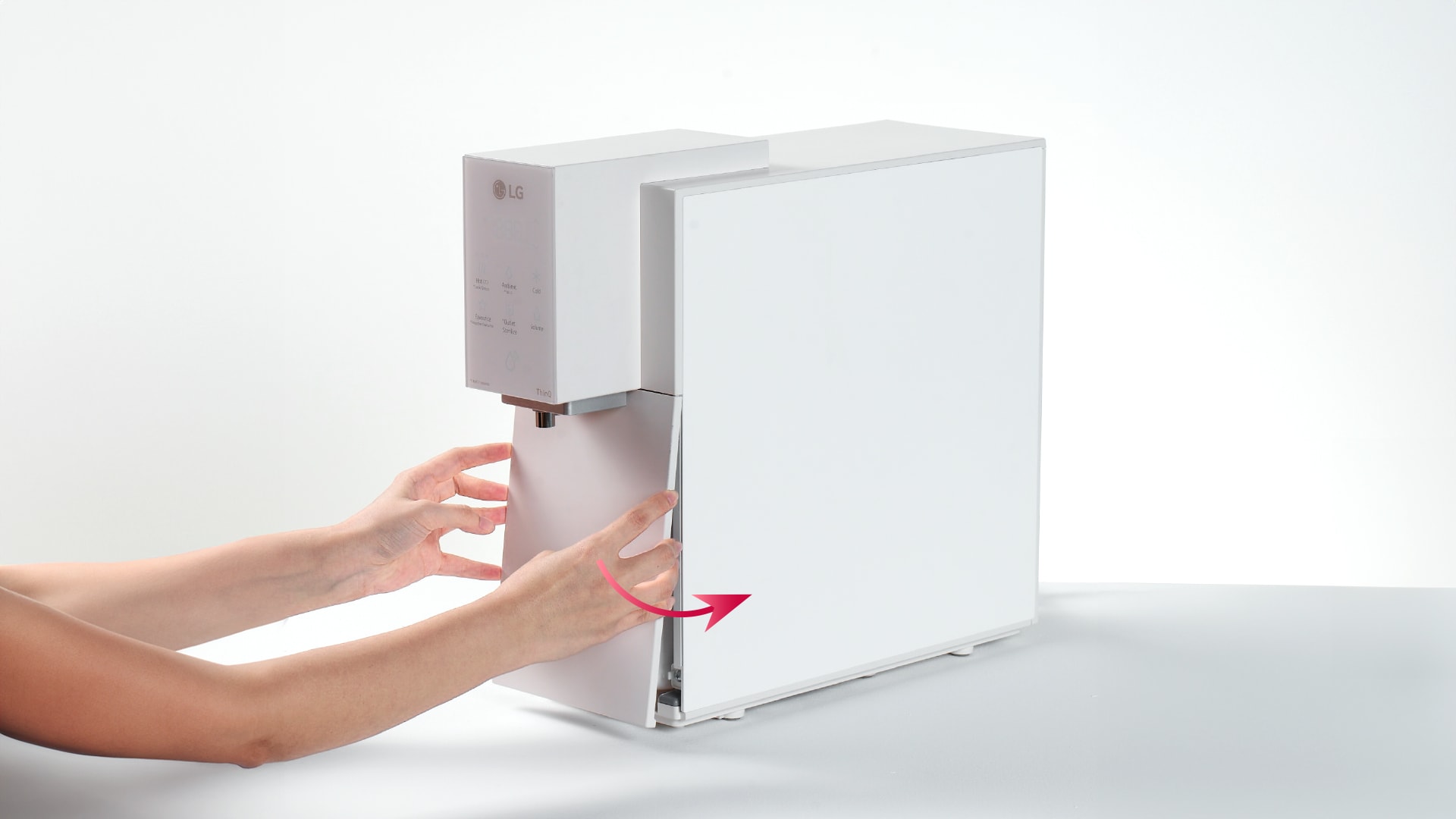
Push the filter back to position
Ensure arrow mark on the filter joint is aligned
Close the filter cover
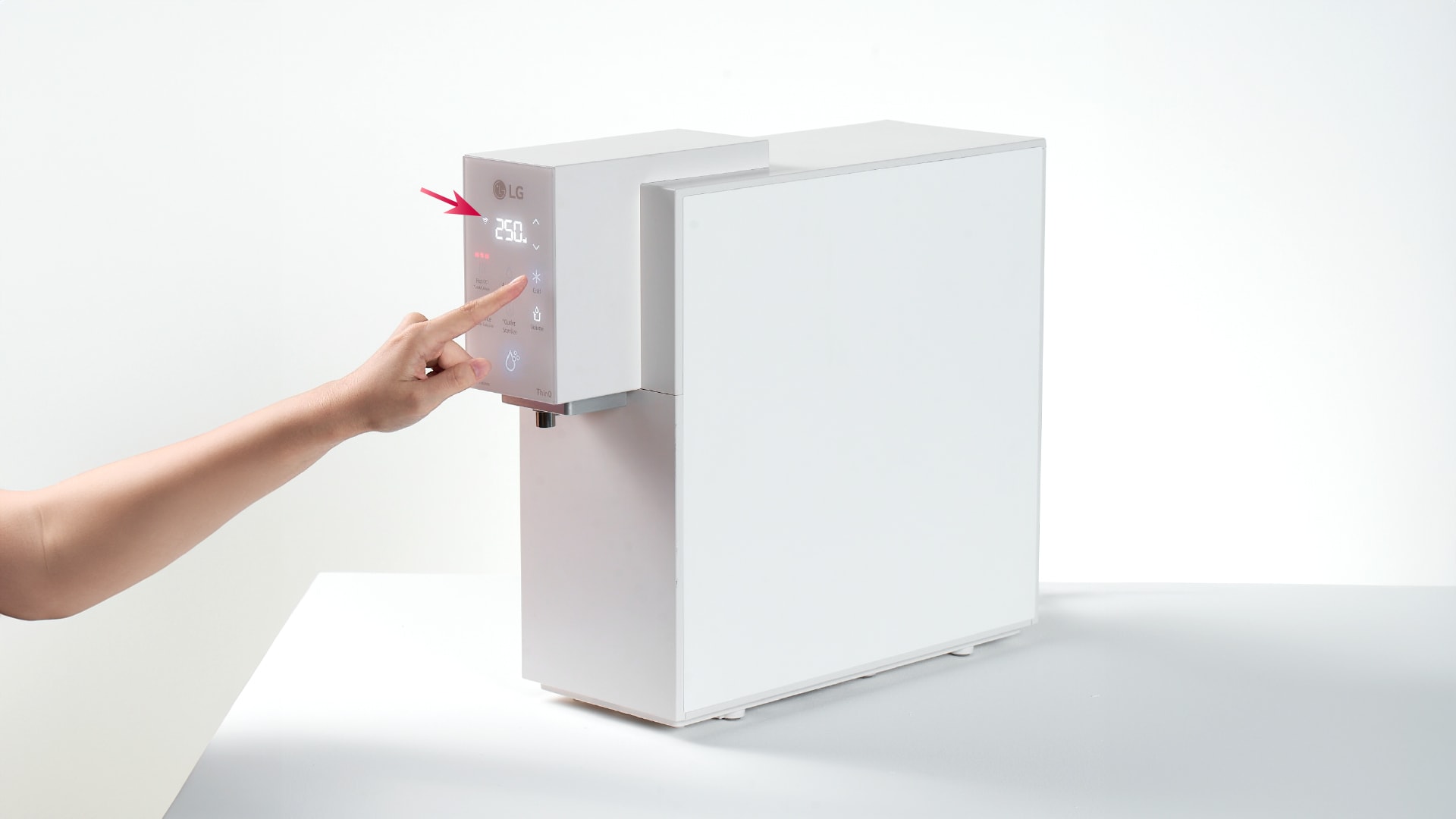
Press & hold "cold" button 3-5 sec for filter
reset
Self-management of top, bottom, left, right/dual water
purifiers can be
selected
when applying for a home appliance subscription/care
service, and
applications
may not be possible depending on the product.
High-temperature sterilization works by pressing the direct
water pipe
sterilization and outlet sterilization buttons at the top of
the product for
more than 3 seconds, and can be easily operated with voice
guidance.
Filter delivery services are provided to home appliance
subscription/care
subscription Self Service selection customers.
To use the ThinQ feature, you need to register and connect to
the product by
installing the LG ThinQ app separately from the Android OS
(7.0 or later)
Play
Store and iOS (12.0 or later) App Store.
For a detailed description of using the app, see Using LG
ThinQ in the ThinQ
guide or user manual. It must also be in the same Wi-Fi
environment when
connecting to the initial product, after which it must
operate in a
registered
Wi-Fi environment.
*LG Careship is a plan that allows you to
purchase care
services for the product seperately, including only service
costs, excluding the
product itself.
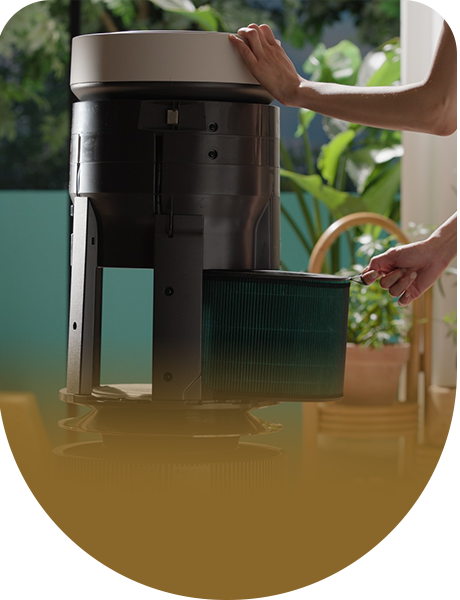
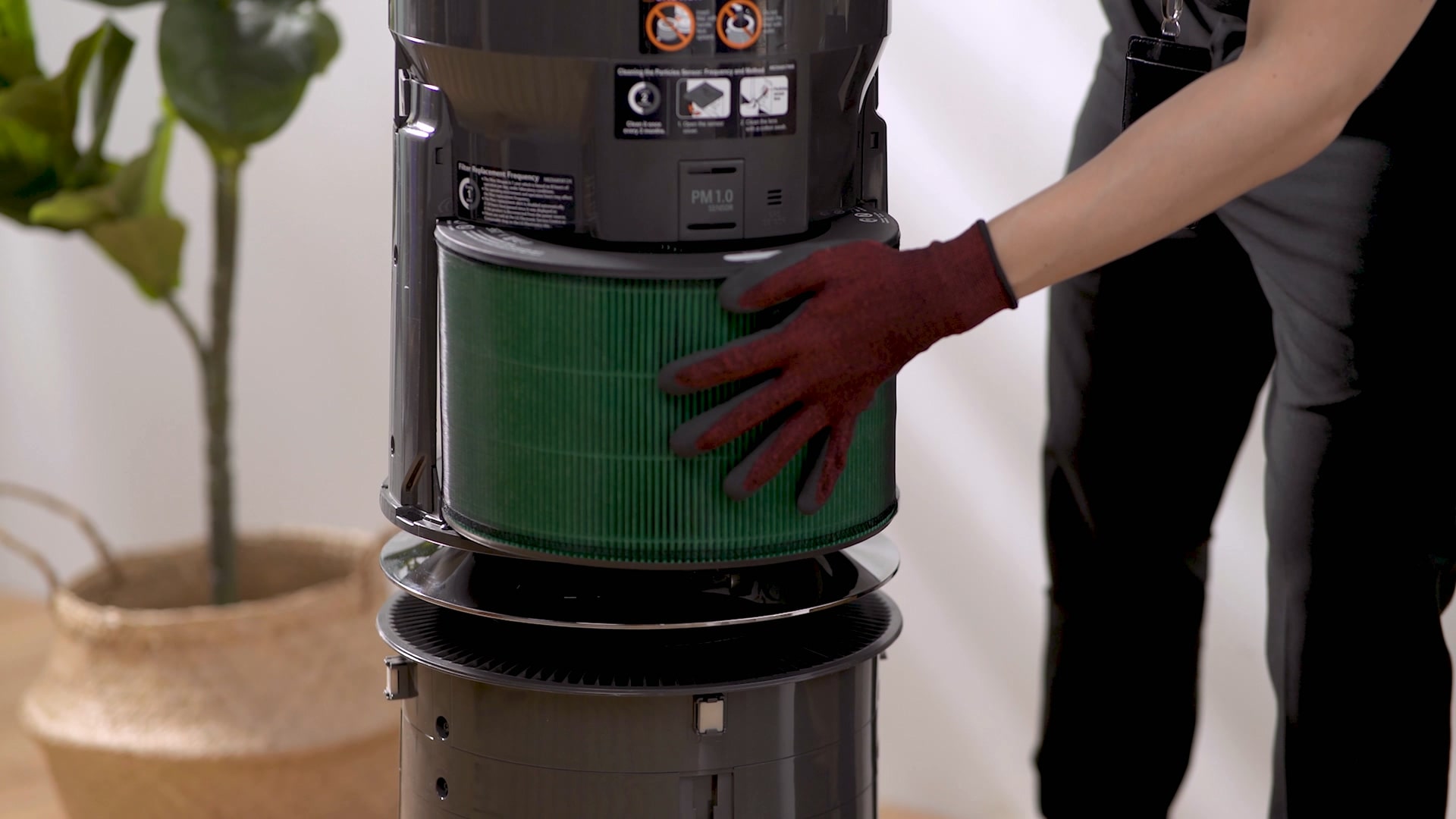
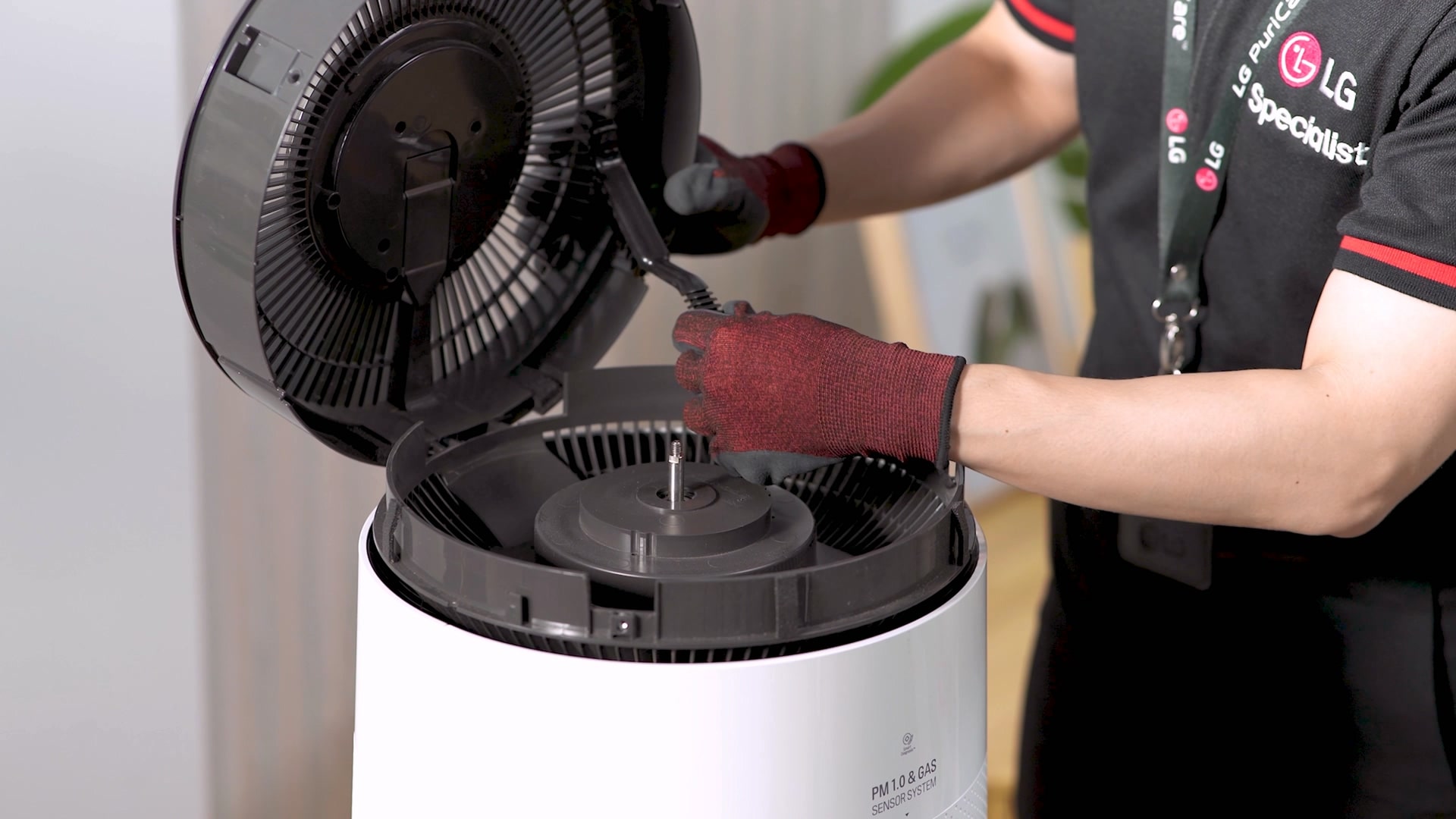
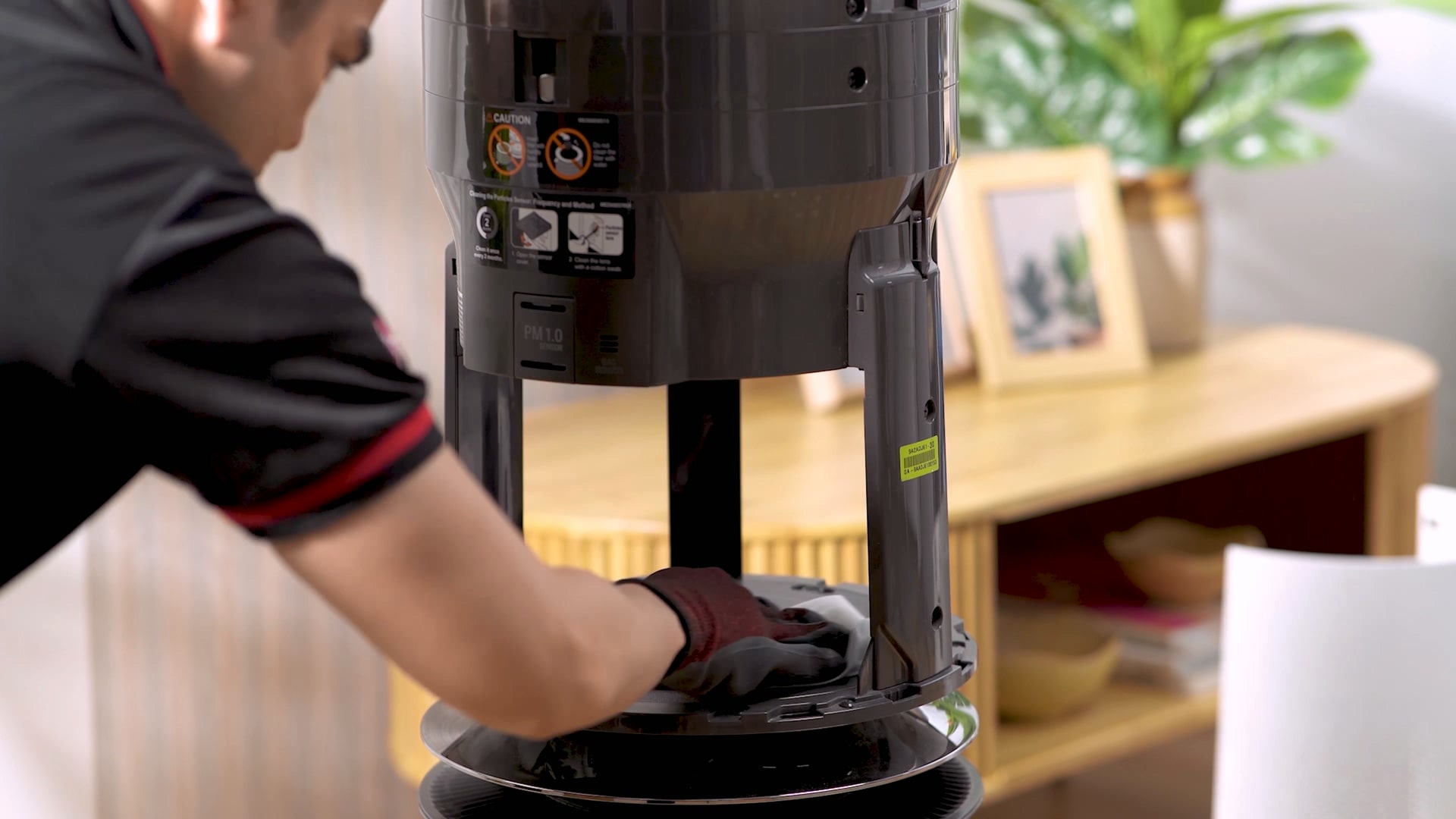
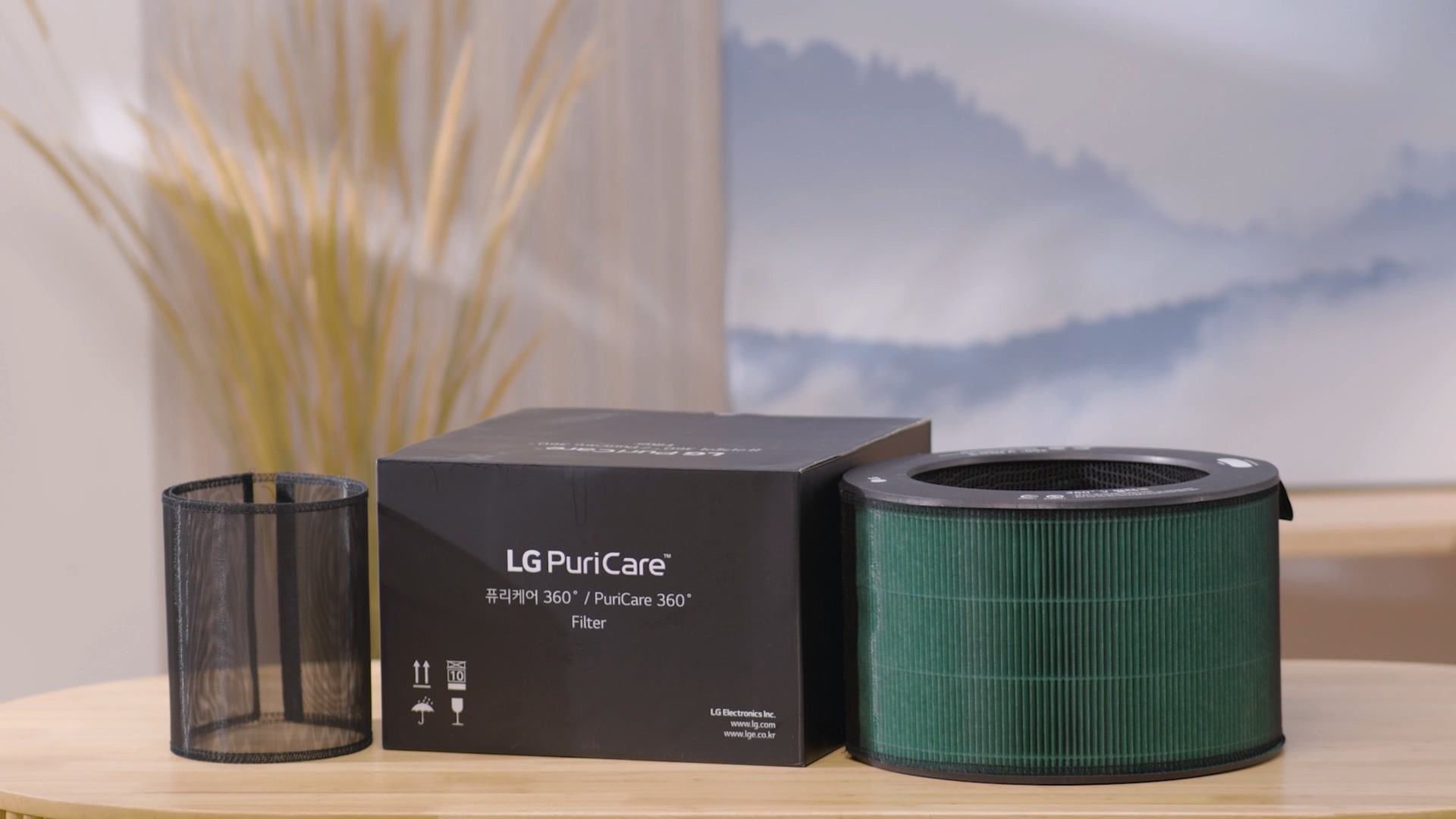
Air Purifier Care Service
Clean care from filter replacement to difficult-to-manage corners
so that you can
breathe clean air as much as you want without worrying about air
quality!
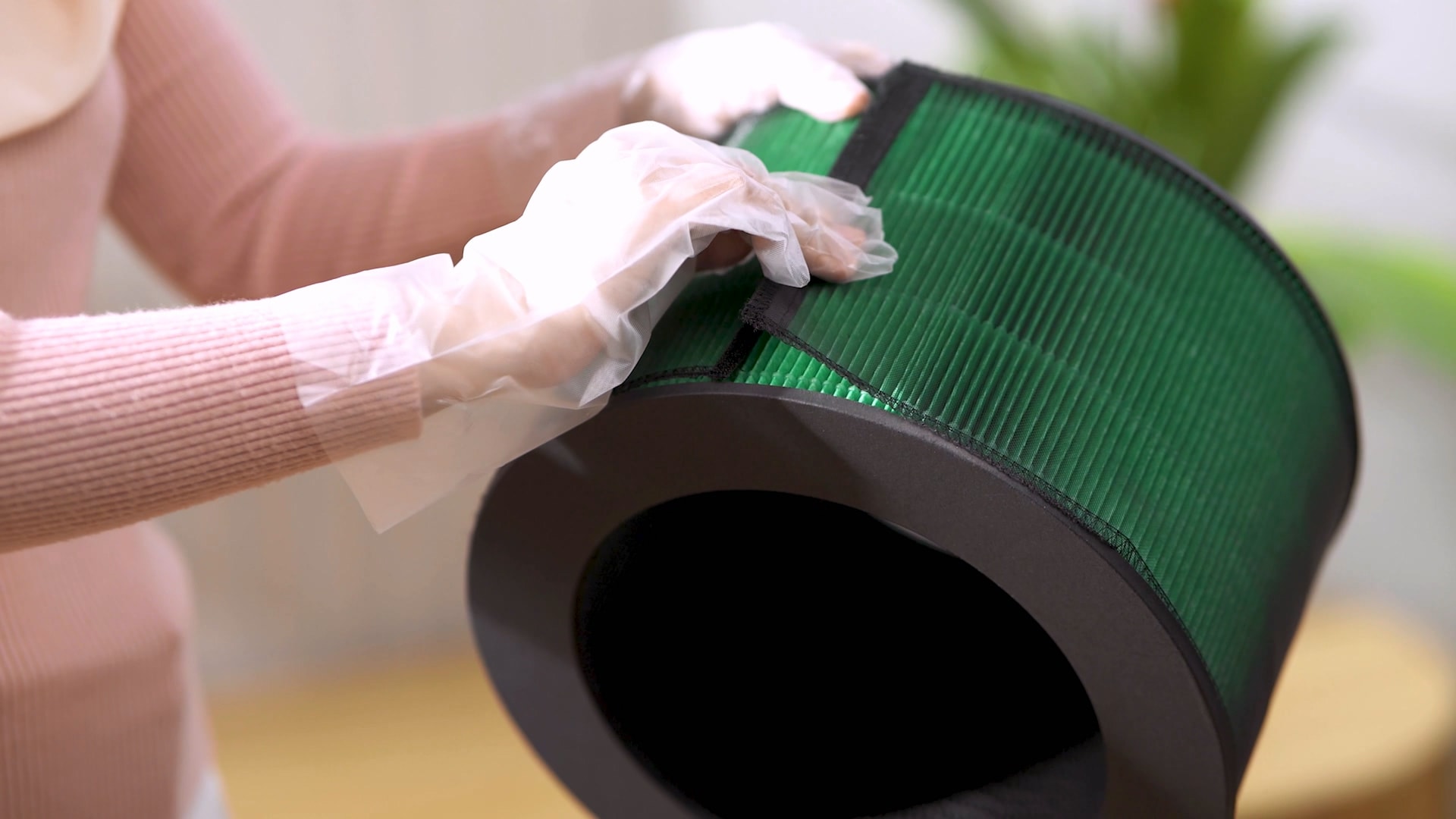
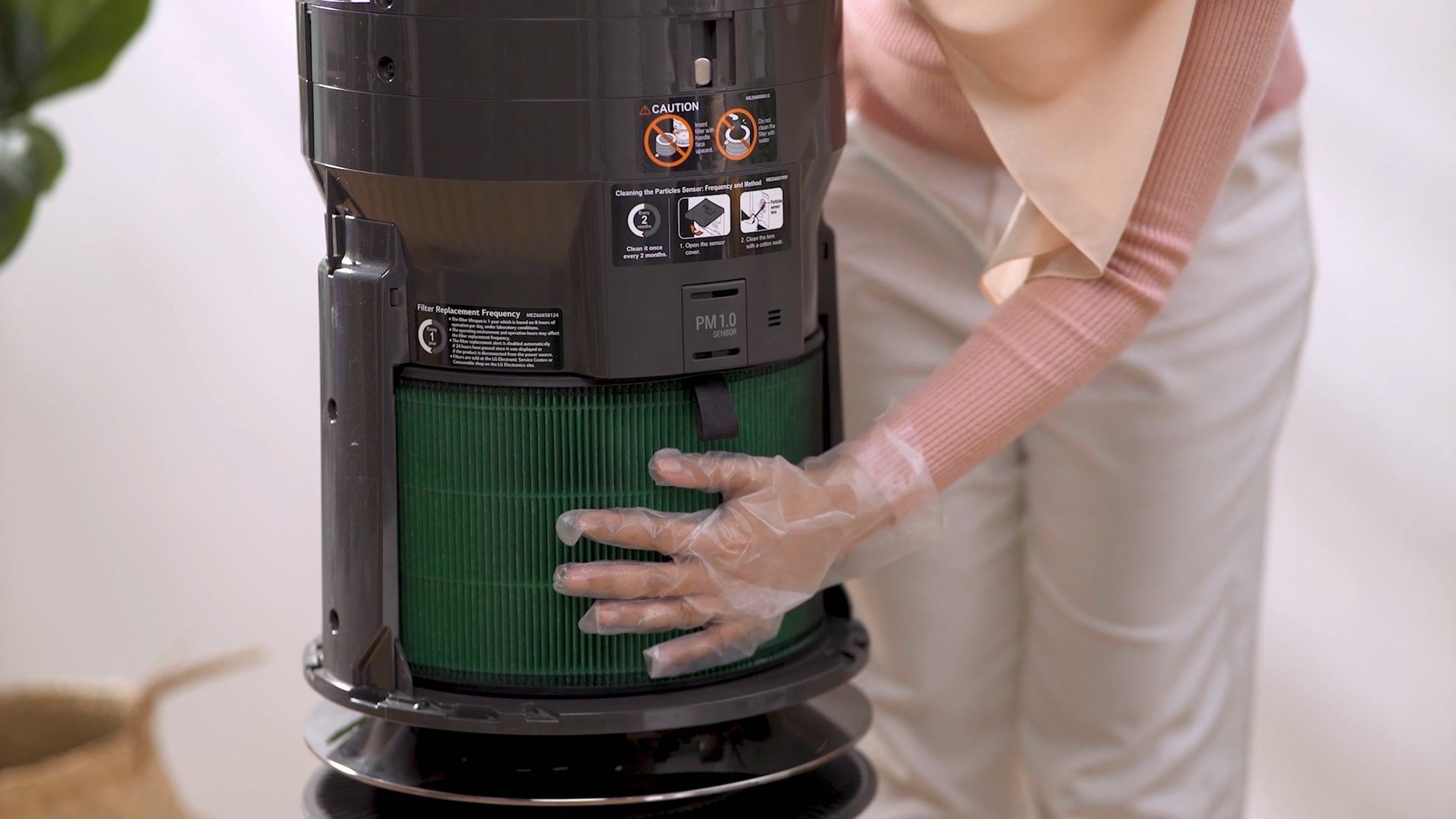
Filter Replacement
Clean the filter to maintain clean performance for a long
time, and
replace
the filter free of charge according to the replacement
cycle.
ㆍReplacement cycle may vary depending
on the filter
and
product.
Clean Booster Cleaning
To manage the place where air is discharged so that you
can breathe clean
air, the difficult-to-manage clean booster is
disassembled and cleaned
meticulously.
ㆍIt is provided once a year for clean
booster
inspection.
Total Cleaning
Thoroughly cleans from the inside of the invisible filter
to the outside
of
the product so that it can be used cleanly.
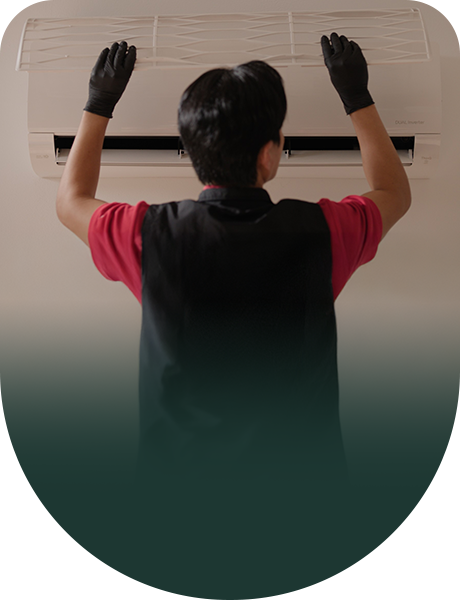
Steam Cleaning
Sanitizing your fan blades and cover to remove lingering
bacteria, dust
mites
and germs for peace of mind.
Self-Service Guide
Care for your Air Purifier on your own!
Filter Subscription
1st in market – delivers
replacement
filters
at your doorsteps according to the replacement
cycle
Replace Ultra-fine Filter
Replace the filter every 6
months
Replace HEPA Filter
Replace the filter every
12 months
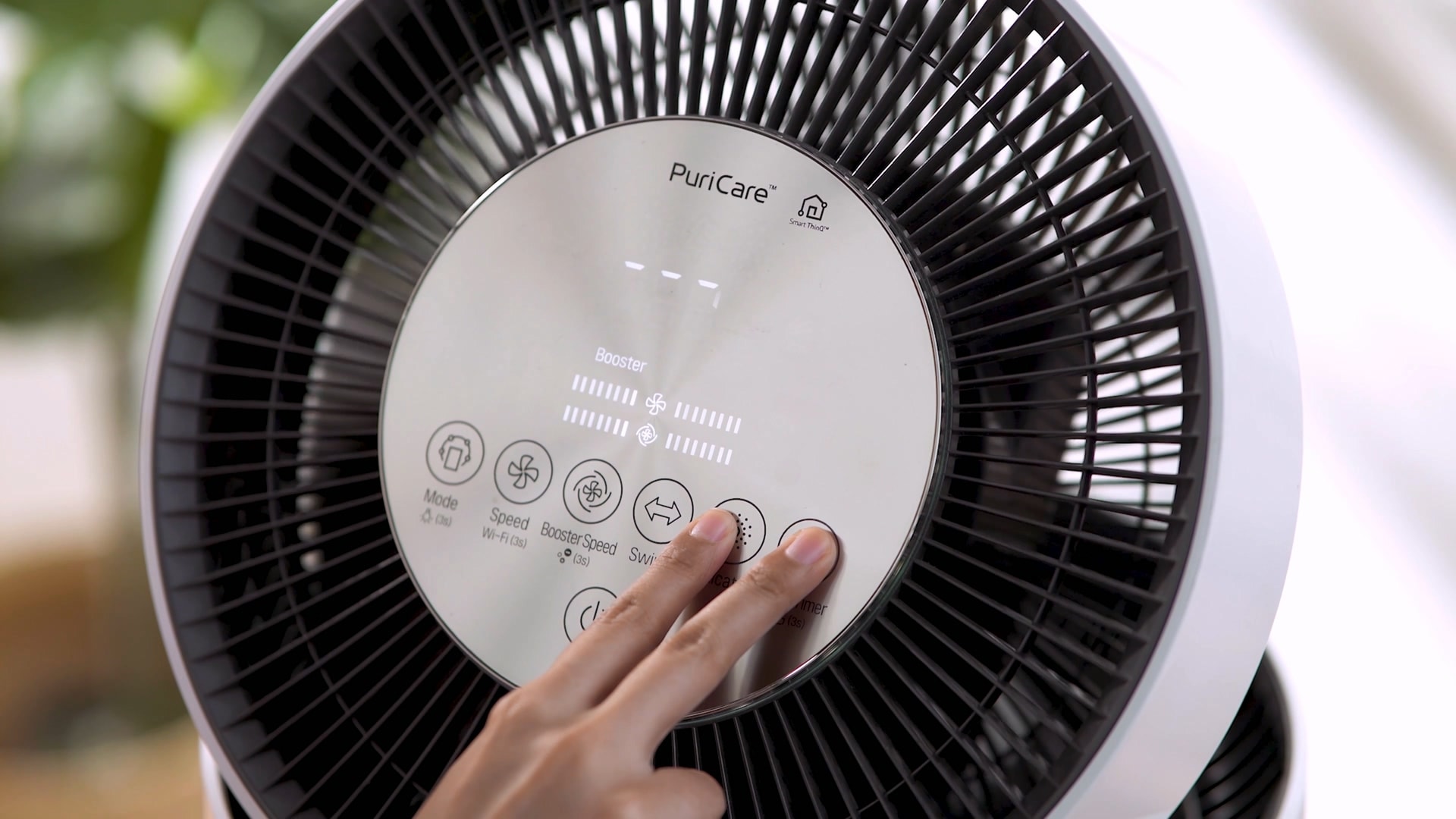
Manage filters with the ThinQ app
Upper Filter - Press and
hold the ‘Speed’
& ‘Indicator’ buttons for more than 3
seconds. Lower Filter
-
Press and hold the ‘Indicator’ & ‘Sleep
timer’ buttons for
more
than 3 seconds
*LG Careship is a plan that allows you to
purchase care
services for the product seperately, including only service
costs, excluding the
product itself.
Styler Care Service
Maintain your styler by replacing filters and consumables,
cleaning the water
tanks,
and taking care of both the interior and exterior.
Self-Service Guide
Care for your Styler on your own!
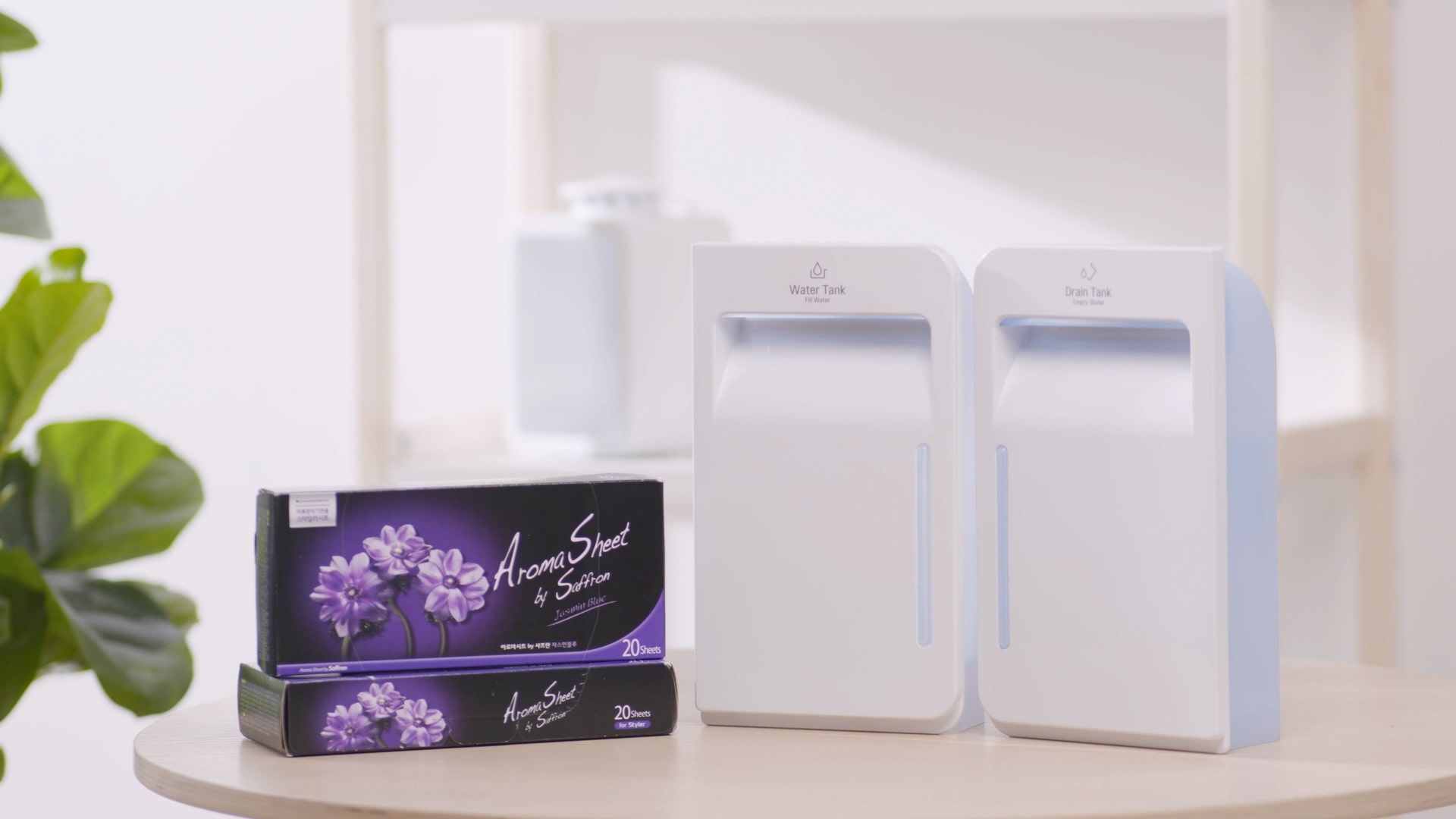
Consumables Subscription
Delivers aroma sheet and
new water tank
according to the replacement cycle
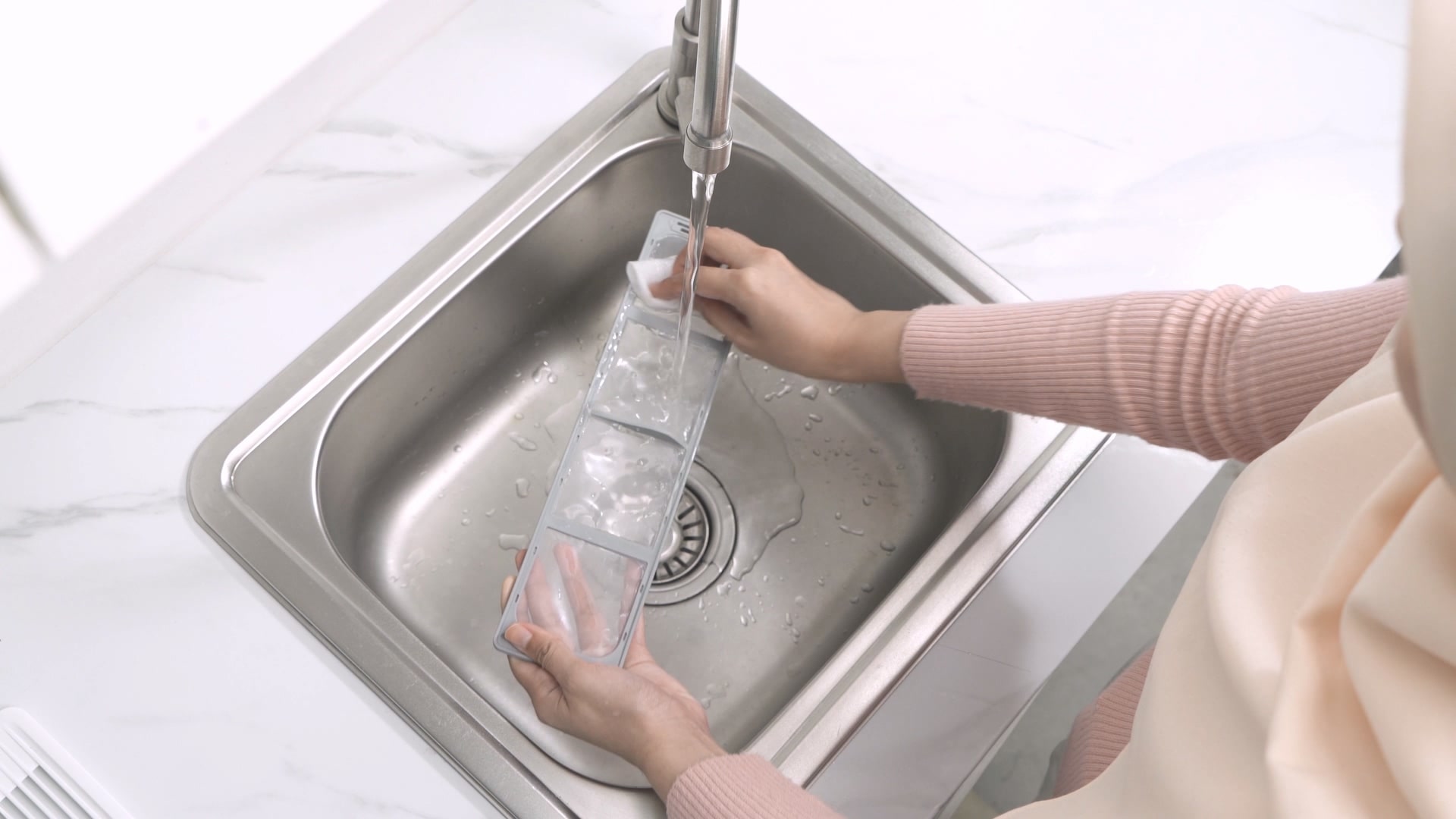
Filter Cleaning
Clean dust from the
filter
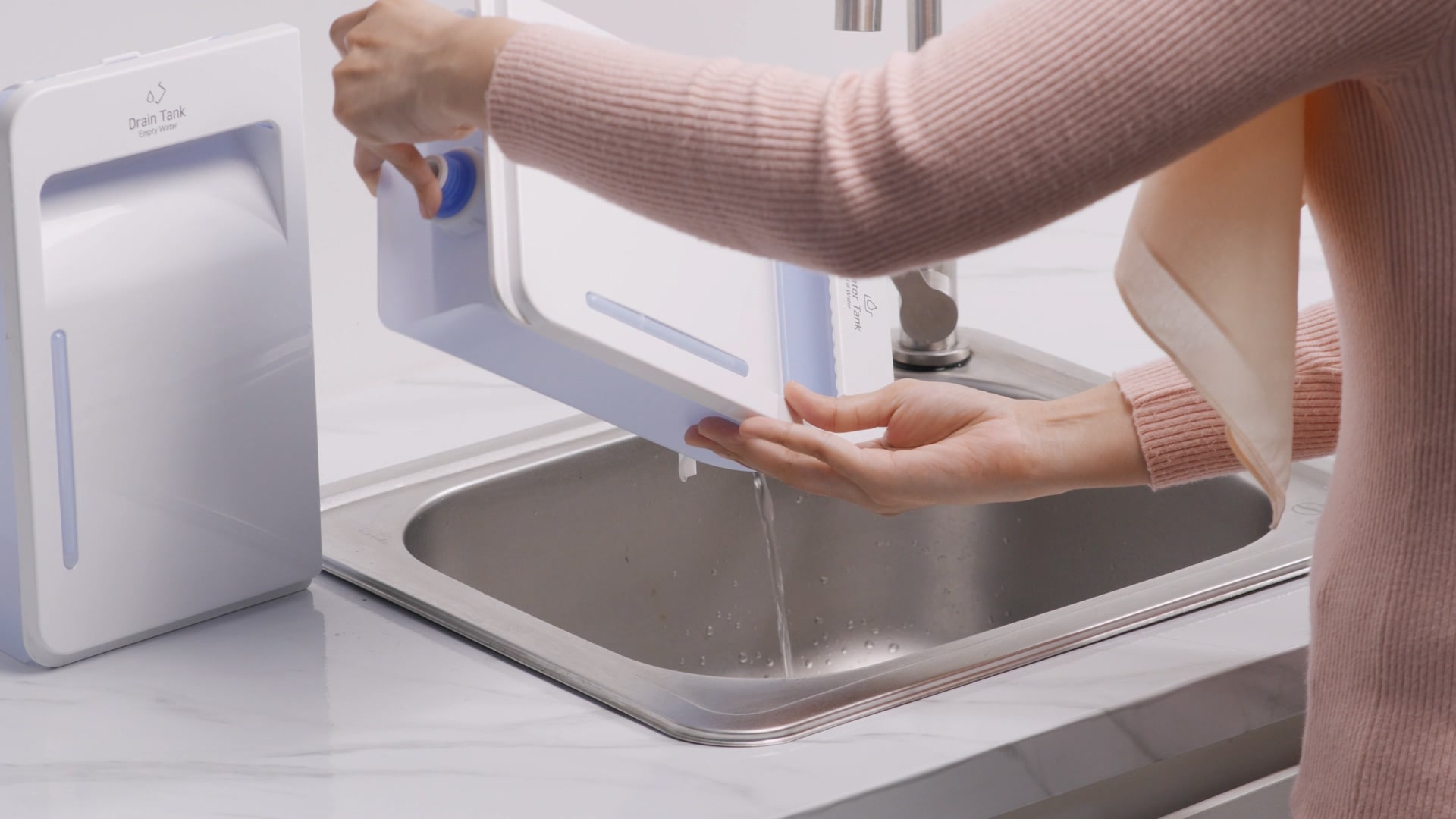
Water Tank Cleaning
Pour out the water and
clean, rinse the
water
tank for hygienic use
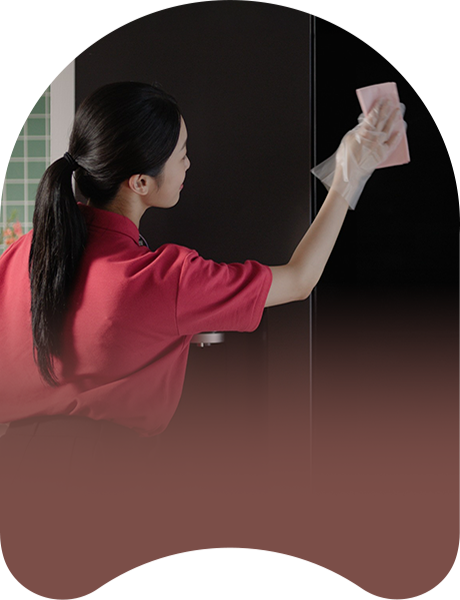
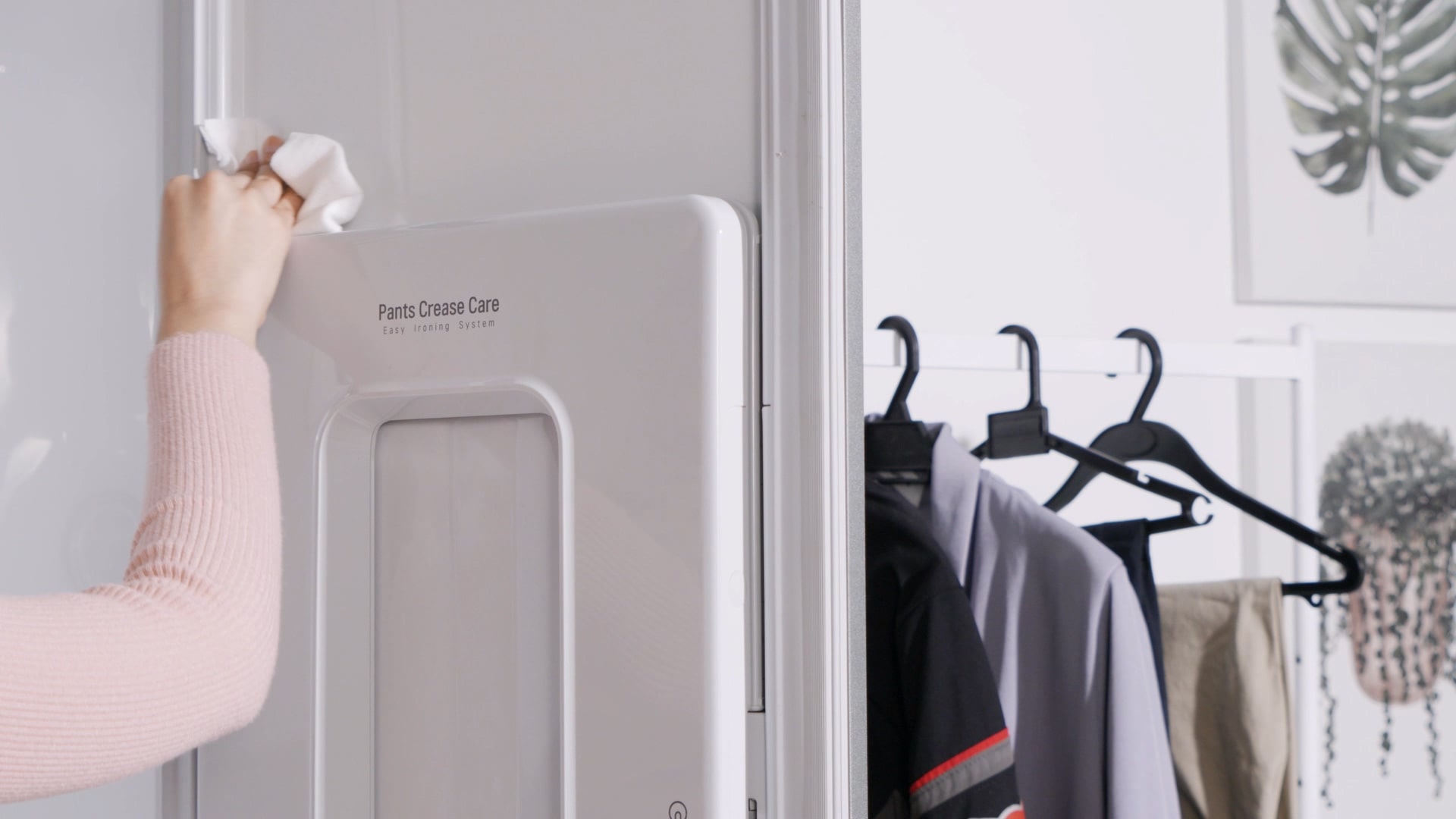
Interior and Door Cleaning
Remove contamination such
as fingerprints
from
the door and dust from the interior
LG PuriCare™ Dual Inverter
Dehumidifier
Maintenance Steps (Regular Visit)
Keep your LG washer running smoothly with our hassle-free
maintenance service.
Ensuring optimal performance without the stress. Relax, we’ve
got it covered!
Hassle Free Regular Visit Maintenance Process:
Briefing & Power Off
Explain the service and safely disconnect the unit.
Filter Removal & Dust Cleaning
Remove the filter cover and filters, brush off dust from
the filter + heat
exchanger.
System Check (Manager Mode)
Run internal checks and calibrations for proper
performance.
Clean Water Tank
Steam clean the tank to remove odor, mold, and buildup.
Clean Exterior & Drain Hole
Wipe the dehumidifier body and clear the drain hole to
prevent clogging.
Wash Filter & Replace HEPA
Rinse the washable filter and replace the HEPA filter as
required.
LG PuriCare™ Dual Inverter Dehumidifier
Maintenance Steps
(Self-Service)
Keep your LG PuriCare™ Dehumidifier running smoothly with
effortless self-service
maintenance. Enjoy clean, balanced air and lasting freshness
with just a few simple
steps.
Hassle Free Self-Service Maintenance Process:
Getting Ready & Power Off
Prepare the unit, turn off the power, unplug safely.
Filter Removal & Dust Cleaning
Open the filter cover, remove the filter, brush/clear
initial dust.
Clean Heat Exchanger
Brush off dust from the heat exchanger.
Clean Vane & Water Tank
Wipe the vane + remove moisture inside the tank.
Clean Drain Hole
Clear debris/dust from the drain hole to prevent
clogging.
Wash Filter & Reassemble
Rinse filter with water + reinstall filter/- cover to
complete maintenance.
Say goodbye to maintenance stress. With our regular visits, your
dishwasher stays in
top condition, keeping your dishes sparkling and your mind at
ease!
Hassle Free Regular Visit Maintenance Process:
Briefing, Check Condition & Preparation
Explain the process, inspect the dishwasher, check water
hardness, adjust
softener if needed.
Remove Racks & Filters
Remove upper, lower racks, inner filter, and stainless
steel filter for
cleaning.
Clean Nozzles, Filters & Dispenser
Brush & clean nozzles, dispenser, and steam clean the
stainless steel filter.
Steam Clean Interior
Steam clean the dishwasher’s inner tub for sanitization.
Replace & Reassemble
Reinstall filters, racks, and replace inner filter (if
due).
Final Steps: Descale, Clean Exterior &
Completion
Add citric acid (descaling), run clean machine mode, wipe exterior,
and brief customer.
LG Subscribe operates by providing customers with the option to
rent home
appliances
through our Subscribe program. The subscription process involves
selecting a
desired
product, choosing a suitable contract duration, and making
monthly payments.
LG Subscribe home appliances are available across 9 LG product
lines, including
water
purifiers, air purifiers, air conditioners, washing machines,
refrigerators,
TVs,
and Styler.
Please refer to the attached document for the ‘Terms and
Conditions of Sales
Contract’ and ‘Service and Warranty Terms and Conditions’
through the download
link.
Here's a breakdown of the stages you might encounter:
1
Order Placed: Your order submission
is
complete.
2
Credit Review In Progress: Your
credit verification
is
currently being processed.
3
Call For Installation: A call or
order verification
is in
progress.
4
Out for Delivery: A technician is
being
searched for or
has
been assigned to your order.
5
Installation Completed: The
installation process has
been
completed.
Visit Day Change
To reschedule the care expert’s visit, use the 'Visit Day Change' feature. Simply
enter your
preferred new date and click 'OK' to submit your request.
Track Visit Change
After submitting your visit day change request, you can monitor the status of
your request by
visiting the "Careship Status" section.
* “Careship Status Date” shows request status : ✓ Visit Day is Changing:
Your request is
being processed. ✓ Change Completed: Your visit day has been successfully
updated. ✓
Change Completed (Cannot Be Changed): Your visit day has been updated, and no
further changes
can be
made.
Gradient circle background for mobile app
UI
Gradient circle background for mobile app
UI
* Please note that date changes are subject to availability and confirmation by
our service
team.
Submitting a request does not guarantee immediate rescheduling.
Track Your Delivery
To monitor the status of your filter or consumable delivery, simply click the
"Delivery
Tracking"
icon. This will redirect you to LG's designated logistic company's order
tracking website, where
you
can view the real-time status of your delivery.
Gradient circle background for mobile app UI
* This feauture will be redirected to an external courier service website.
Please note that
delivery
status information is provided by the courier and may vary depending on their
system updates.
View Careship Guide
To access a step-by-step video guide on how to replace your filter or other
equipment, simply
click
the "Go to Watch" button. This video will provide you with a clear and concise
tutorial to
ensure a
smooth replacement process.
Gradient circle background for mobile app UI
*This guide is for illustrative purposes only. Services and procedures may vary
depending on the
product.
View Payment History
Click “View More History” to check past payments.
Gradient circle background for mobile app UI
View Monthly Invoices
Select “YYYY.M” and click “Invoice View” to view invoices for the month.
Gradient circle background for mobile app UI
Review Your Payment History
Your complete payment history is available for review. This section provides a
comprehensive
overview of your previous transactions, helping you track and manage your
financial records
effectively.
Gradient circle background for mobile app UI
*The payment history displayed is based on records available at the time of
access.
The restocking notification has already been updated.
Environmental Handing Fee (EHF)
EHFs vary by product and province. The final fee will be calculated after you enter your postal code at checkout. Click here for more information (FAQ) at Frequently Asked Questions - Support & Help | LG CA
Sign in to create your wishlist
Add items to your wishlist so you can easily find them when you return to LG.com. Its an easy way to keep track of that special something Youve had your eye on or save gift ideas for friends and family.